1.4 KiB
GPU Screen Recorder UI
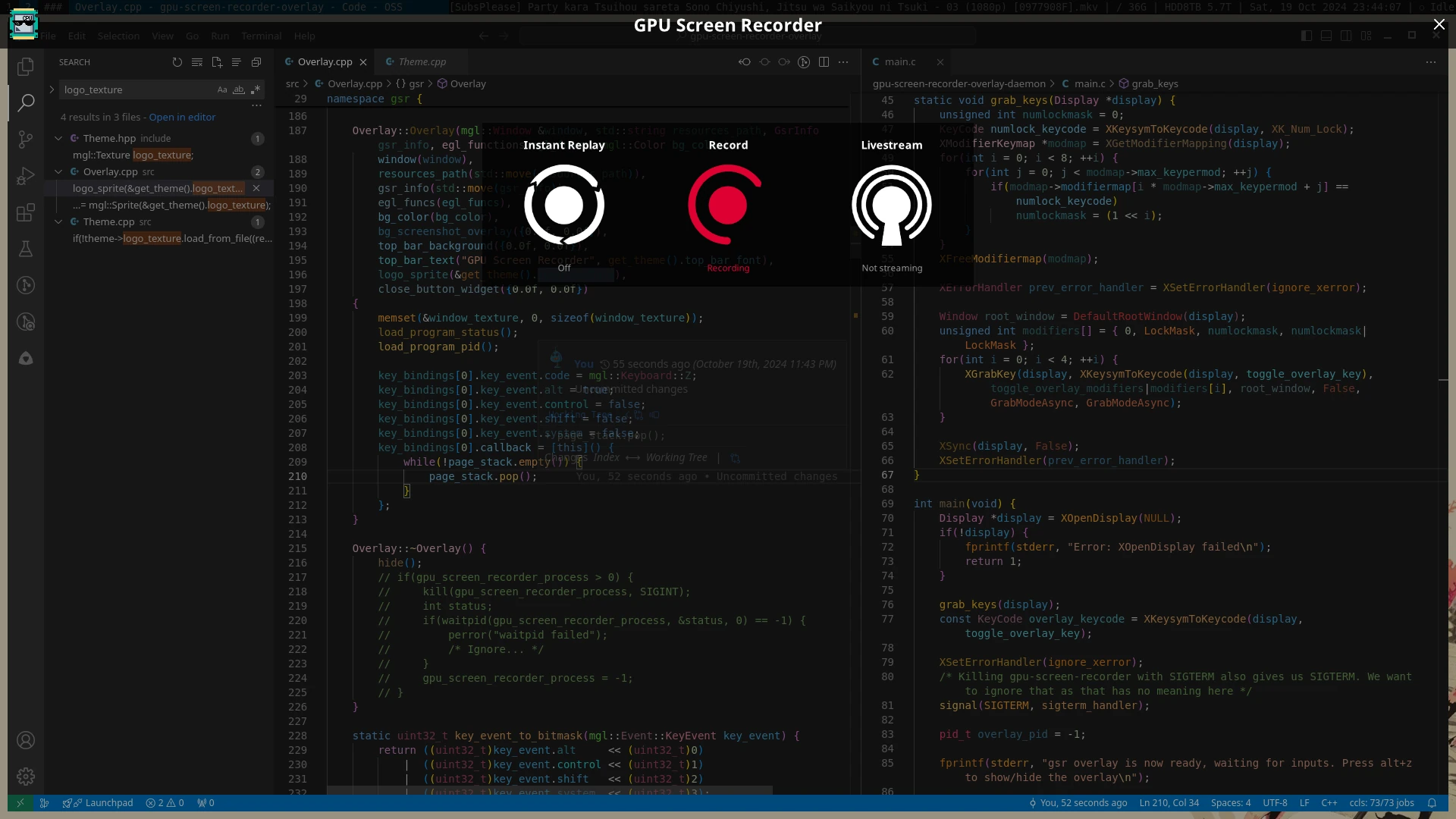
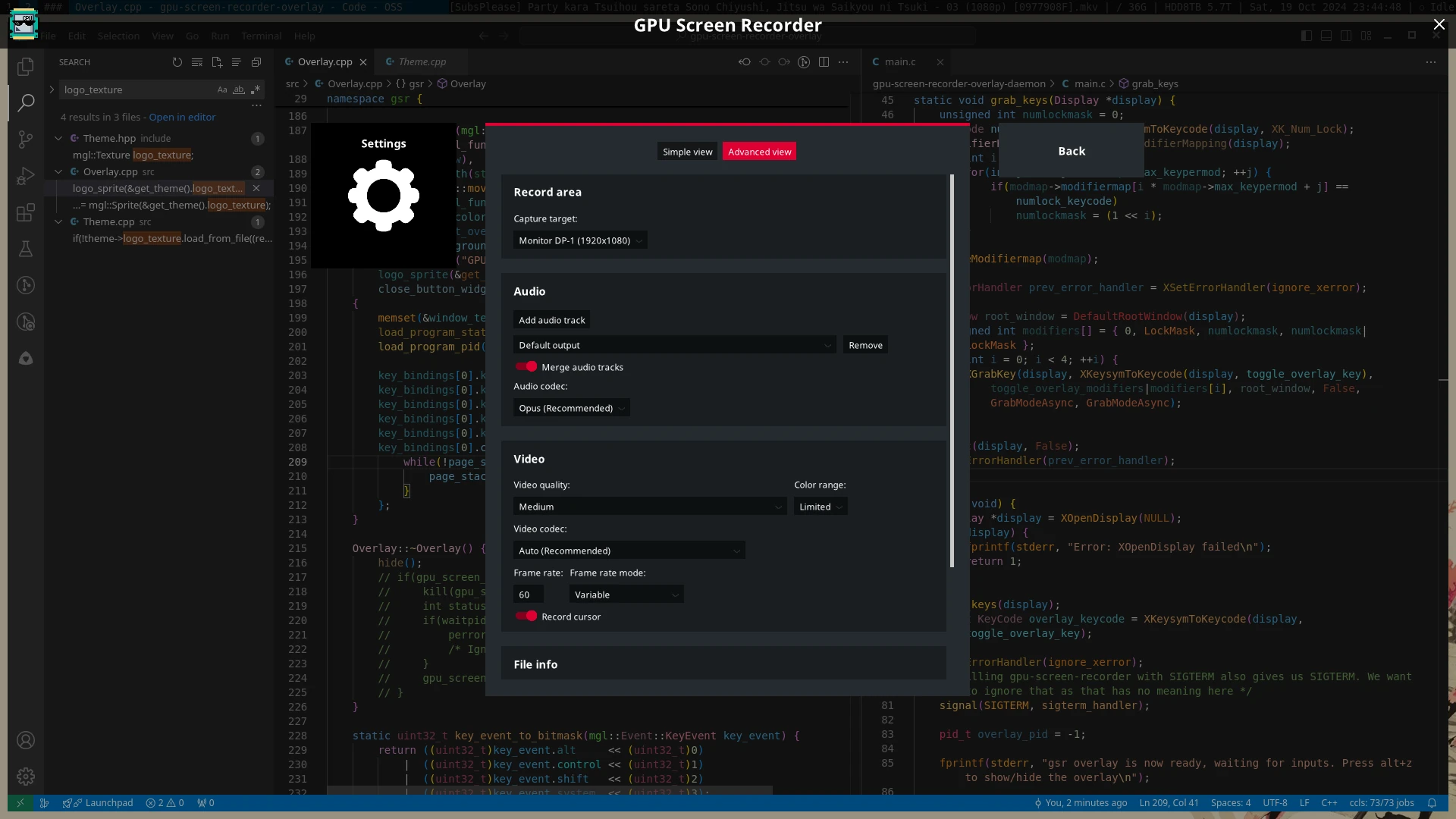
A fullscreen overlay UI for GPU Screen Recorder in the style of ShadowPlay.
Usage
Run gsr-ui and press Alt+Z to show/hide the UI. You can start the overlay UI at system startup by running systemctl enable --now --user gpu-screen-recorder-ui.
Installation
If you are using an Arch Linux based distro then you can find gpu screen recorder ui on aur under the name gpu-screen-recorder-ui (yay -S gpu-screen-recorder-ui).
If you are running another distro then you can run sudo ./install.sh, but you need to manually install the dependencies, as described below.
Dependencies
GPU Screen Recorder UI uses meson build system so you need to install meson to build GPU Screen Recorder UI.
Build dependencies
These are the dependencies needed to build GPU Screen Recorder UI:
- x11 (libx11, libxrandr, libxrender, libxfixes, libxcomposite)
- libglvnd (which provides libgl, libglx and libegl)
Runtime dependencies
License
This software is licensed under GPL3.0-only. Files under fonts/ directory are licensed under SIL Open Font License.
Screenshots