mirror of
https://repo.dec05eba.com/gpu-screen-recorder-ui
synced 2026-05-04 14:00:46 +09:00

24 lines
1.1 KiB
Markdown
24 lines
1.1 KiB
Markdown
# GPU Screen Recorder UI
|
|
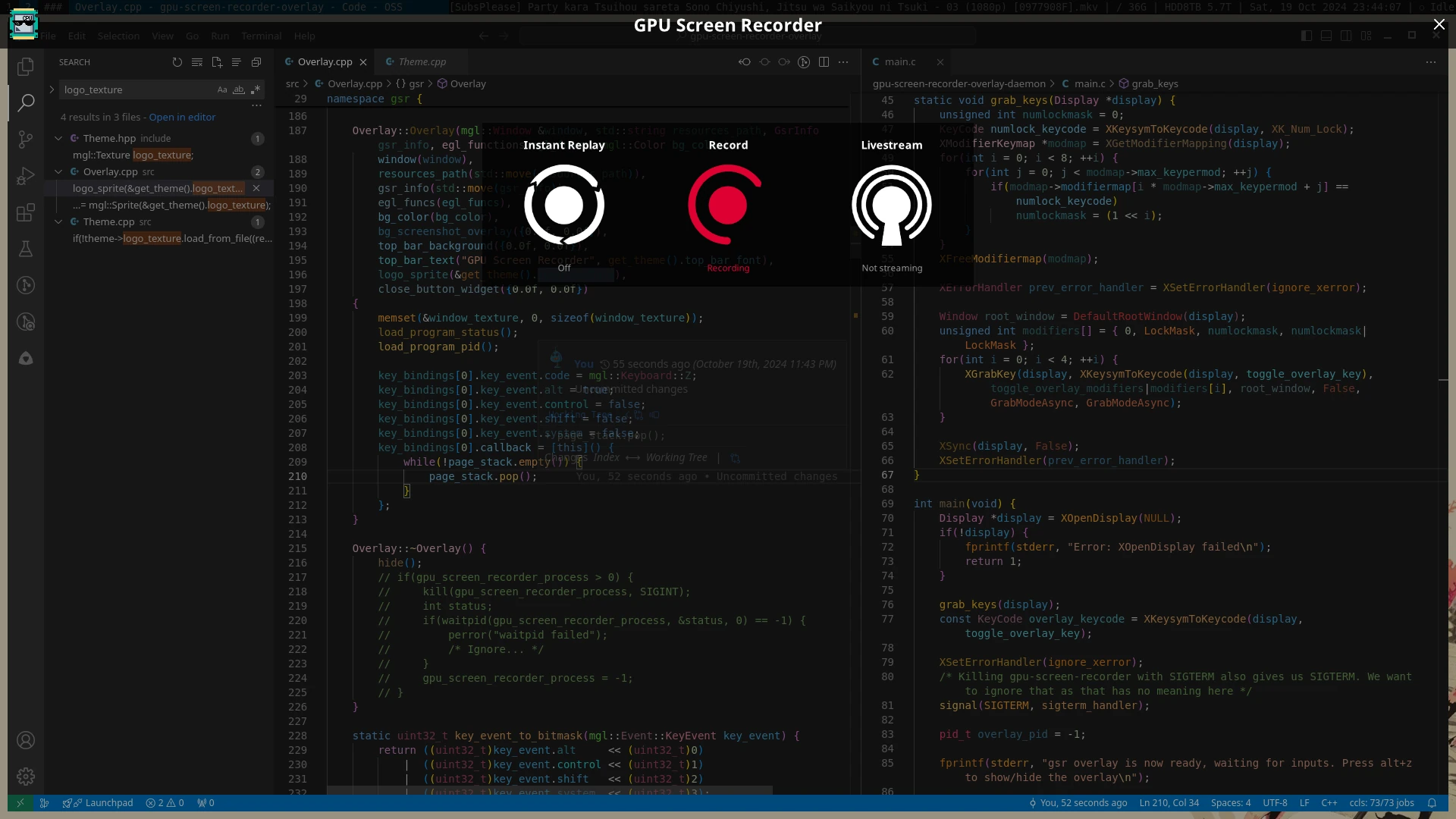
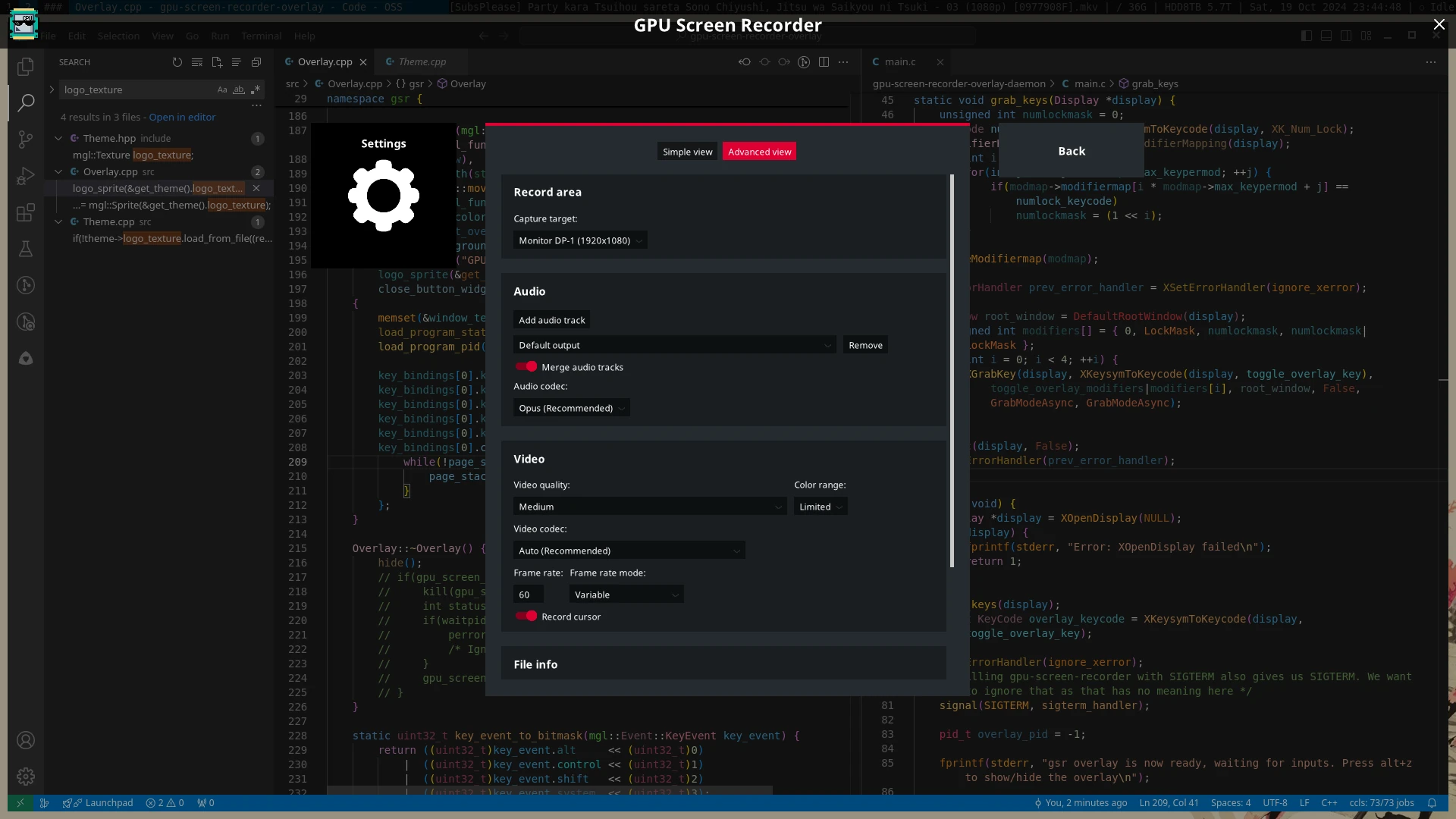
A fullscreen overlay UI for [GPU Screen Recorder](https://git.dec05eba.com/gpu-screen-recorder/about/) in the style of ShadowPlay.
|
|
|
|
# Usage
|
|
Run `gsr-ui` and press `Alt+Z` to show/hide the UI. You can start the overlay UI at system startup by running `systemctl enable --now --user gpu-screen-recorder-ui`.
|
|
|
|
# Dependencies
|
|
GPU Screen Recorder UI uses meson build system so you need to install `meson` to build GPU Screen Recorder UI.
|
|
|
|
## Build dependencies
|
|
These are the dependencies needed to build GPU Screen Recorder UI:
|
|
|
|
* x11 (libx11, libxrandr, libxrender, libxfixes)
|
|
* libglvnd (which provides libgl, libglx and libegl)
|
|
|
|
# Installation
|
|
Run `sudo ./install.sh`. This will install gsr-ui to `/usr/bin/gsr-ui`. You can run meson commands manually to install gsr-ui to another directory.
|
|
|
|
# License
|
|
This software is licensed under GPL3.0-only. Files under `fonts/` directory are licensed under `SIL Open Font License`.
|
|
|
|
# Screenshots
|
|
|
|
 |